I am a researcher, how should I start with my visualizations?
You’ve done the hard work. Your results are solid, your paper got accepted into a high-quality journal, and you’re preparing to present at an international conference. But here’s the challenge: how do you ensure others see the true value of your work?
Visualization is key. A well-made visual representation—whether it’s a poster, some slides, or a figure in a paper—can make your findings more accessible, engaging, and impactful. AI tools can help generate visuals, but even then, you need to guide them effectively.
So, where do you begin? I gather for you some of the best tips I have received in the last years and that have helped me elevate my research visuals. No matter what tools or methods I use, they are always on my mind before getting started.
1. Know Your Audience
Before designing anything, ask yourself: Who will see this?
Are you presenting at a technical conference, where your audience is familiar with and -wants to see- complex charts?
Is this for policymakers or the general public, where clarity and simplicity matter most?
Will you be speaking to industry professionals who expect a game-changing, business-like aesthetic?
Understanding your audience helps you tailor your message, tone, and design. A highly technical audience may appreciate detailed graphs, while a city council presentation might require a more straightforward, story-driven approach.
2. Structure = Clarity
Think of your layout as the skeleton of your visualization. Structure ensures the message flows logically. Before starting, sketch out a rough idea:
What is the most important part of the message? Make it stand out.
What secondary points support the main idea? Organize them accordingly.
What additional details or context are useful but not essential? These should take up the least space.
*Pro Tip: Play with proportions to create visual hierarchy. For example, if your key finding is a standout number (e.g., “Isolated microbes immobilize 75% of soluble arsenic”), make it large and central. Supporting details should be smaller and positioned strategically around it.
Also, let your visualization breathe. Separate your section and remember proportions!
Example of a layout for a poster. Title would be above, below the methods and results, then the discussion and finally a conclusion. Same structure can be used for tell any story.
3. Colors: More Than Just Aesthetics
Color choice is powerful. What vibe do you want to give?—colors guide attention, set the mood, and support your topic. Examples:
Working on sustainability? Use greens.
Researching marine environments? Blues might be your best bet.
If you are not sure, google your topic and see which colors apear in the first place. I use tools like Adobe Color Wheel to select a cohesive palette. And remember: less is more. Stick to a maximum of four colors.
Just as important as color choice, is contrast. Ensure text and elements stand out from the background and remain readable (but this is a different topic that we can go in the future).
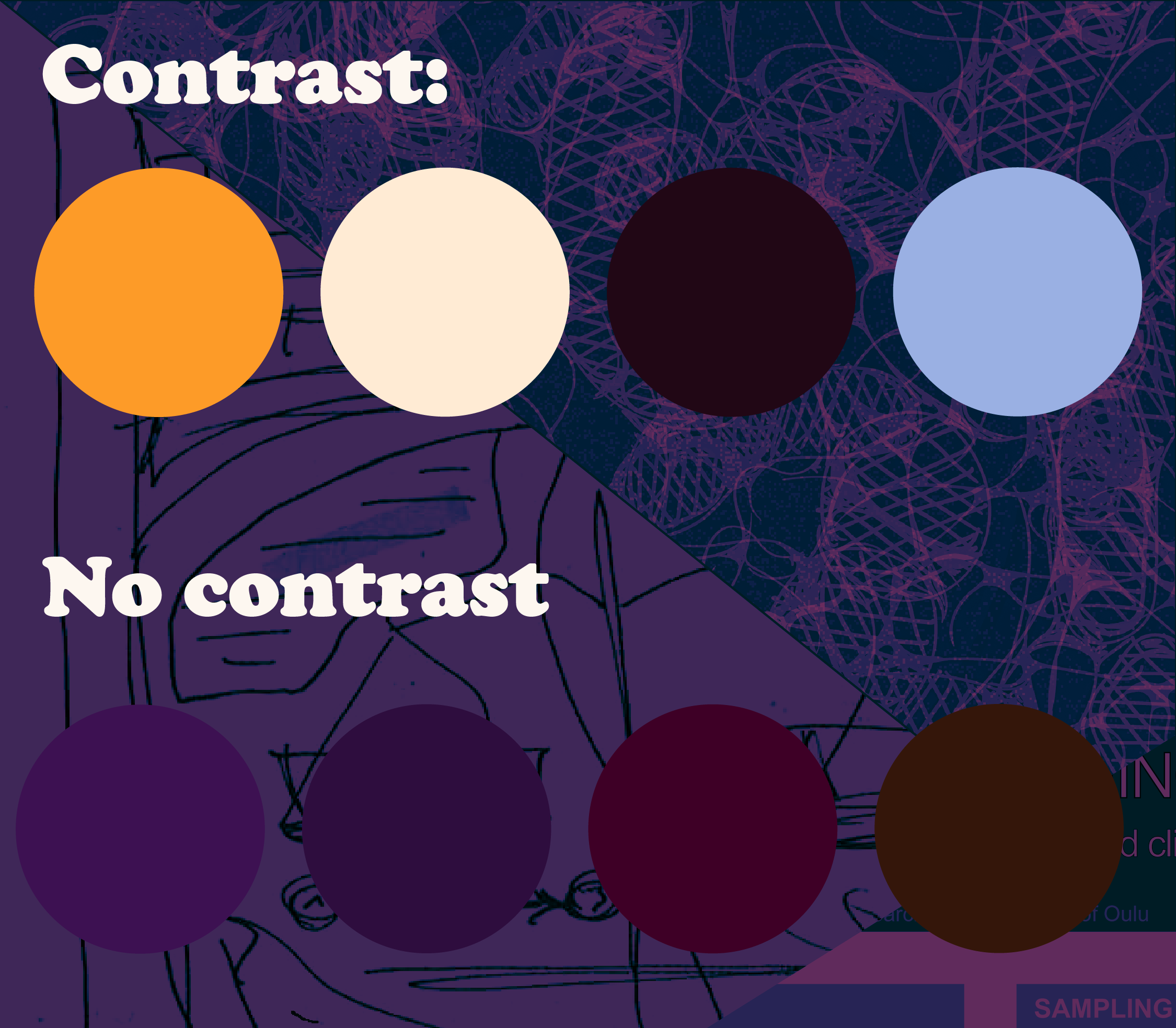
Color palettes including a version with and without contrast.
4. Font Sizes: Keep It Simple
You don’t need a dozen font sizes. Stick to a clear hierarchy. Something like:
Title: Largest
Subtitle: Medium
Body Text: Smaller
Figure Captions & Legends: Smallest
For a more refined design, you can use the golden ratio (≈1.618) to scale font sizes harmoniously. For example, if your body text is 16px, multiply by 1.6 (16 × 1.6 = 25.6px) for a well-balanced subtitle size.
Want to Learn More?
Great visualization takes practice, but applying these principles will make your research stand out. If you’d like more tips on effective design for research communication, stay tuned for future posts!